Botany Buddy
Native Plant Care
Role
UX/UI Designer
Timeline
2025
Tools
Figma
Platform
iOS & Android (Native)
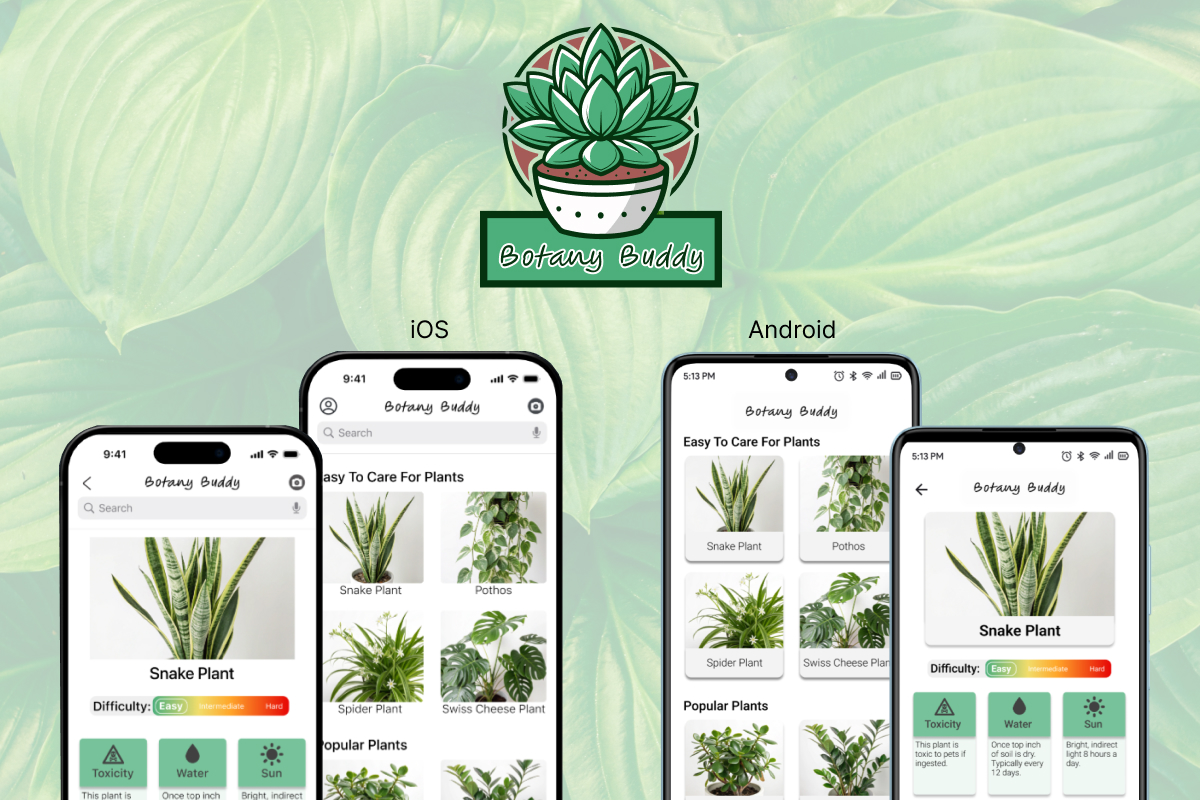
I designed Botany Buddy as a dual-platform mobile solution, meticulously following both iOS Human Interface Guidelines and Android Material Design standards. This plant-care assistant features specialized tracking routines and a diagnostic flow.
The Challenge
Fragmentation of Diagnostic Information
Plant owners face a high-friction experience due to fragmented information, requiring them to use multiple tools (ID app, website, journal) to identify, track, and diagnose plant health issues.
The Solution
I created a system that is fundamentally a diagnostic and information retrieval tool wrapped in a modern interface, centered on a Camera Diagnostic Flow.
The Goal
To consolidate functions into a single application, providing instant, accurate identification and integrated, data-driven health tracking with platform parity.

Research & Process
Designing for Dual-Platform.
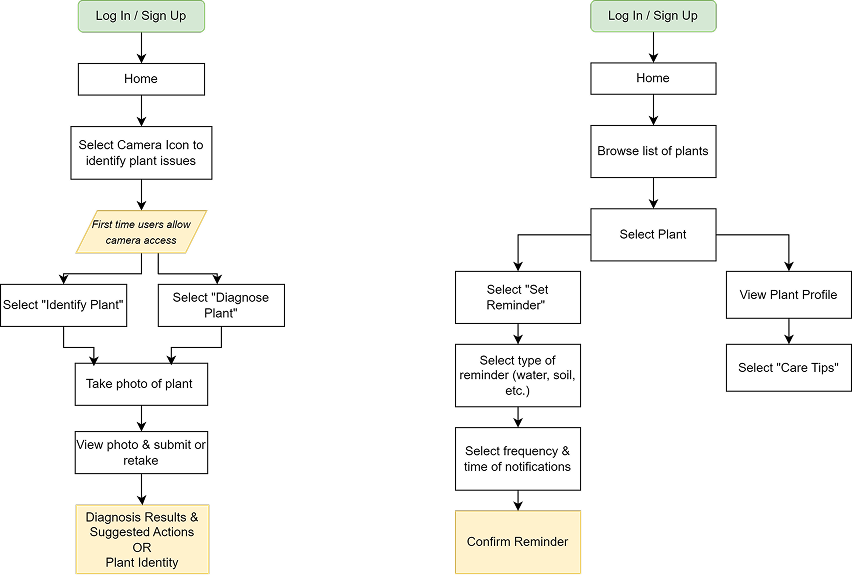
Primary Features
- • Identify plants via species recognition.
- • Personalized care tips and automated routines.
- • Diagnose issues via leaf damage prognosis.
Technical Mitigation
Implemented guided camera instructions to proactively mitigate poor photo quality, significantly improving identification accuracy.
Methodology
Project foundation was built through thorough research, identifying key user needs: identification, care reminders, and health diagnosis. I paid special attention to platform parity, designing validated iterations for both iOS and Android.
Native Human Interface Guidelines (iOS).
Material Design Visual Conventions (Android).
Prototypes
iOS Native Experience
Scroll to view more →
iOS • Splash
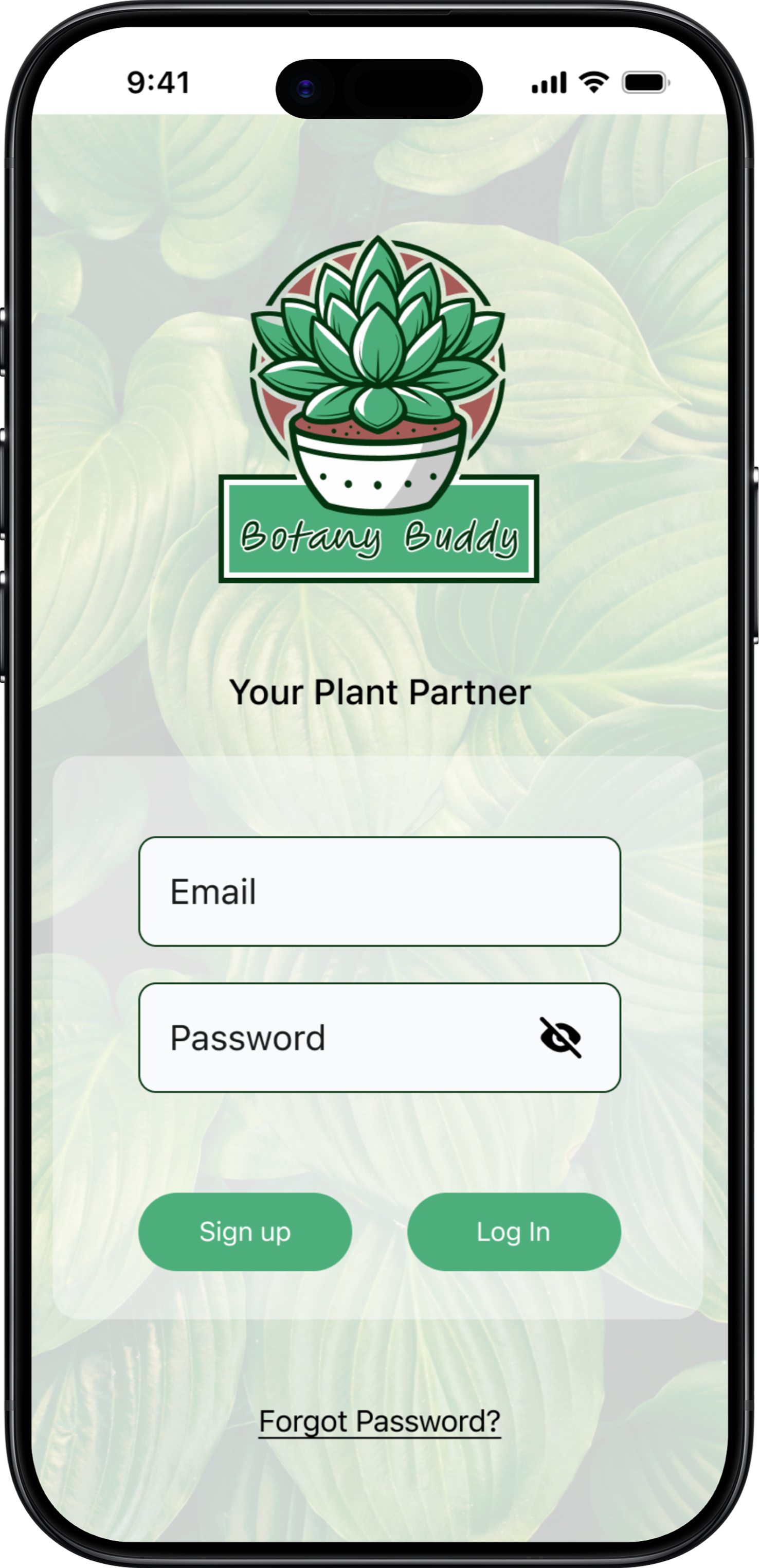
iOS • Login
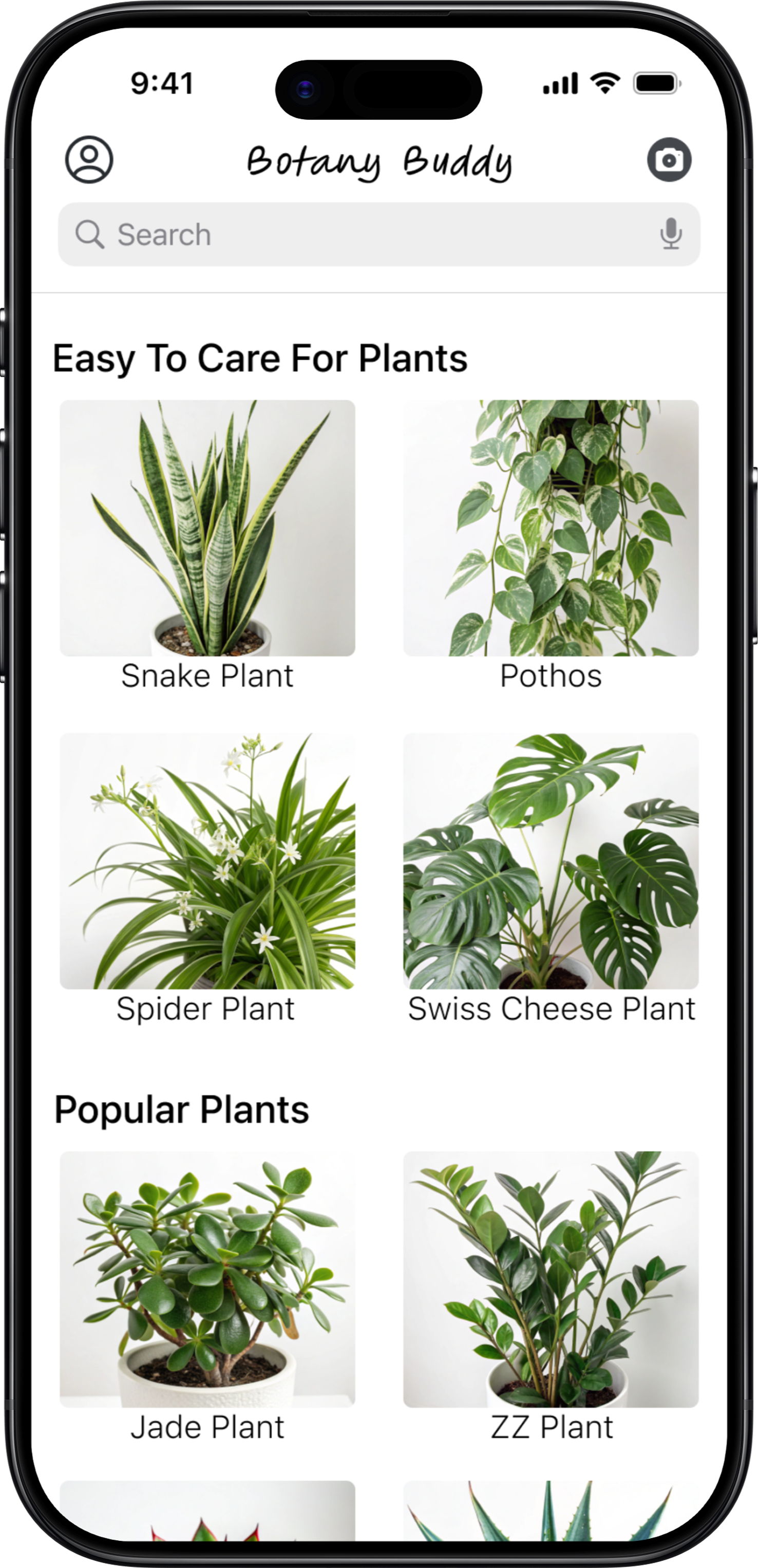
iOS • Home
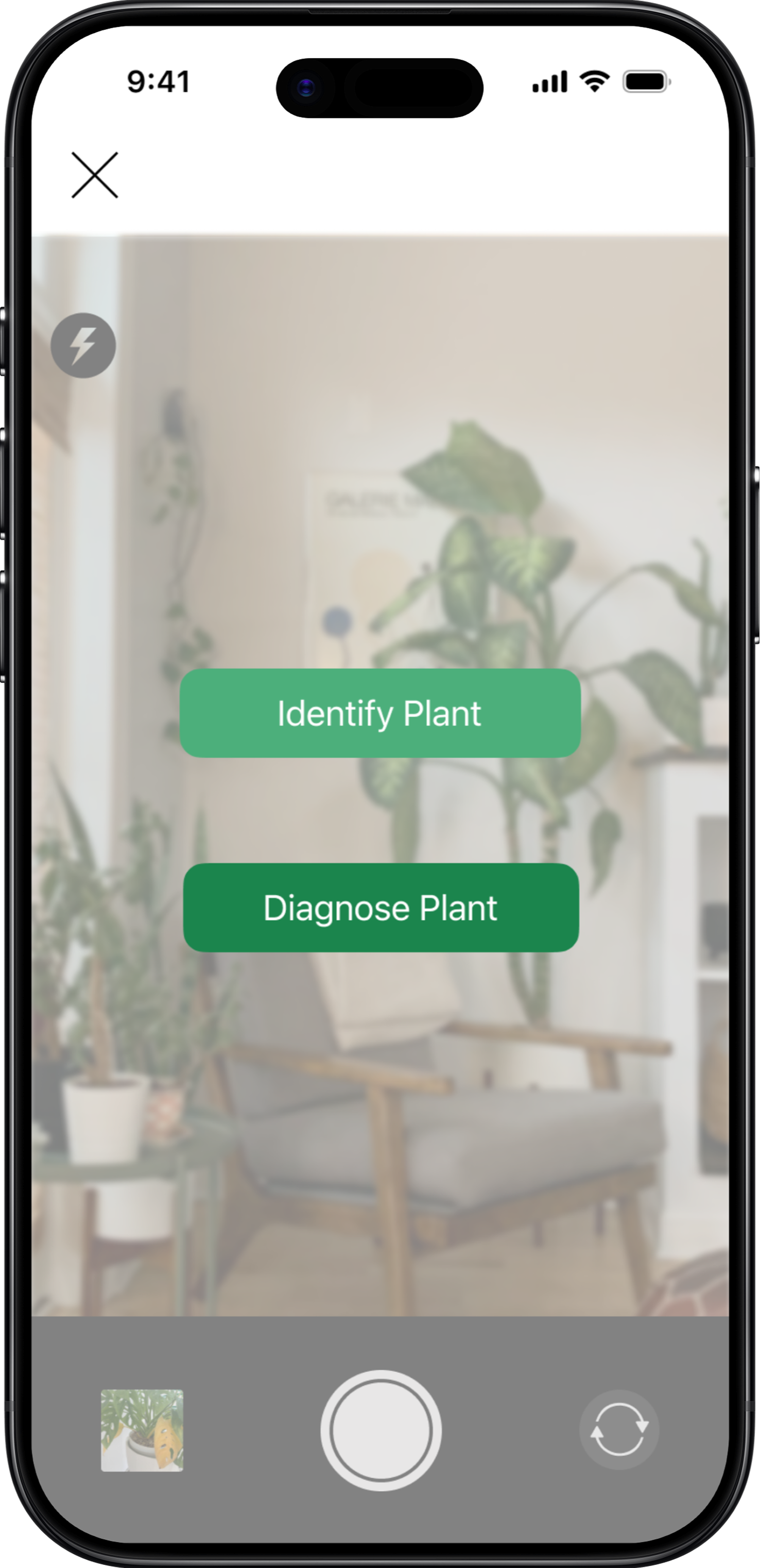
iOS • Camera
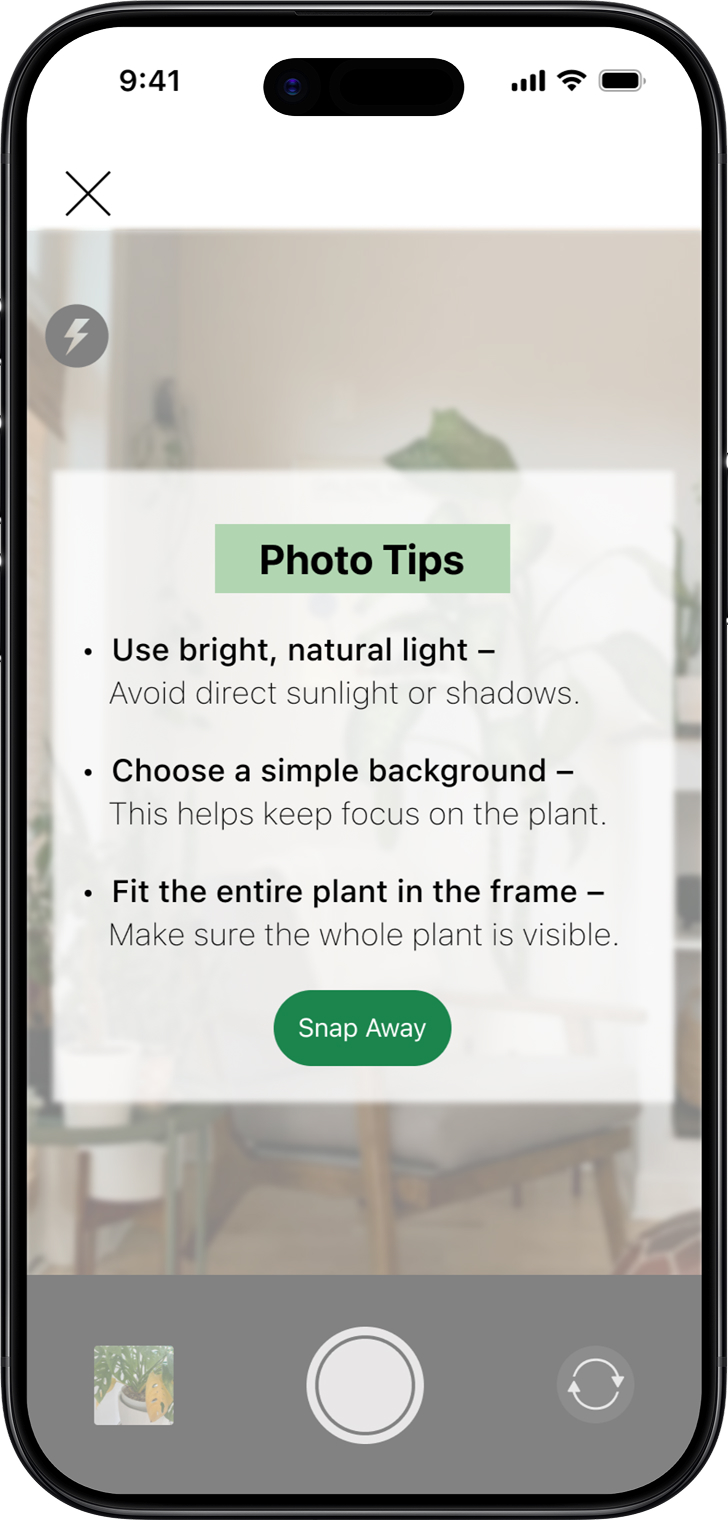
iOS • Photo Tips
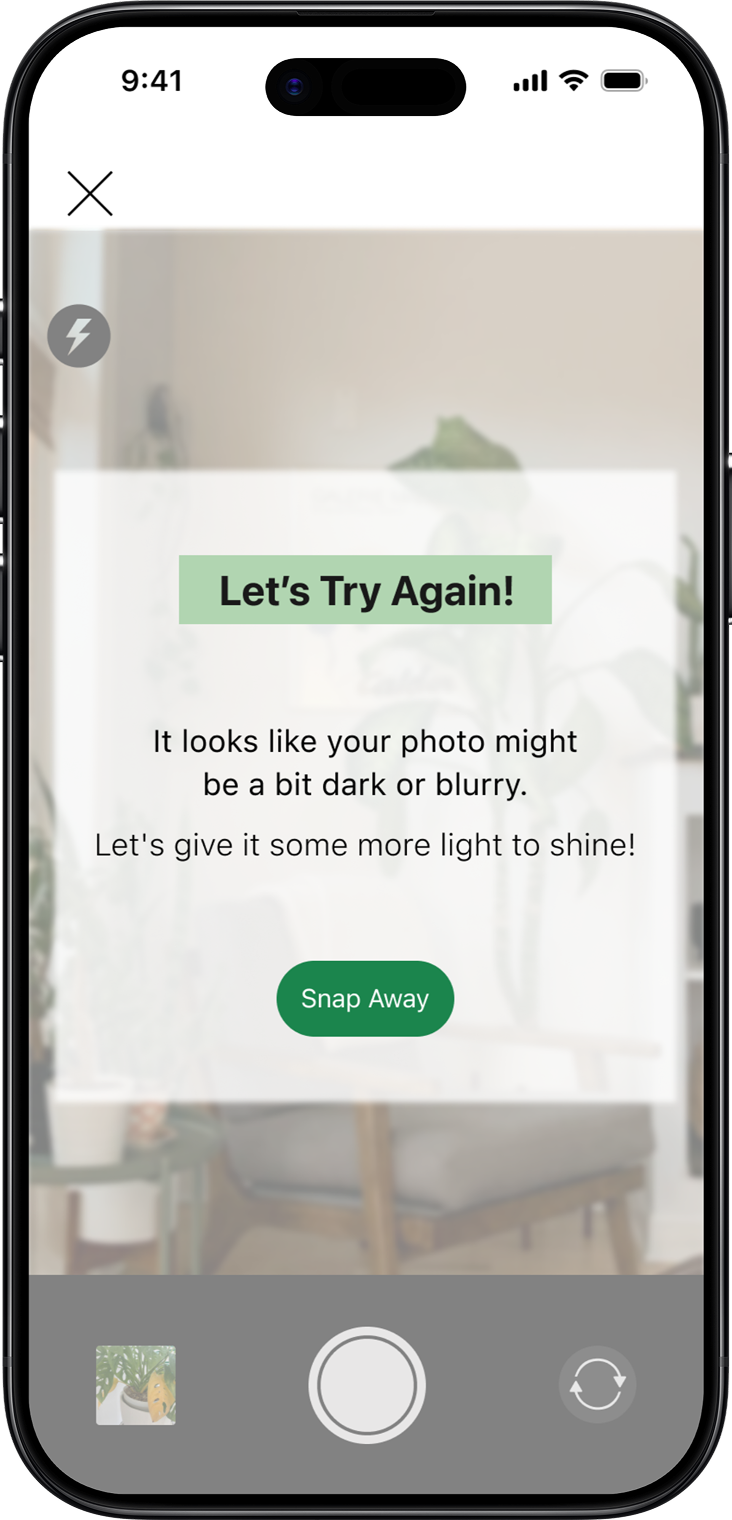
iOS • Try Again
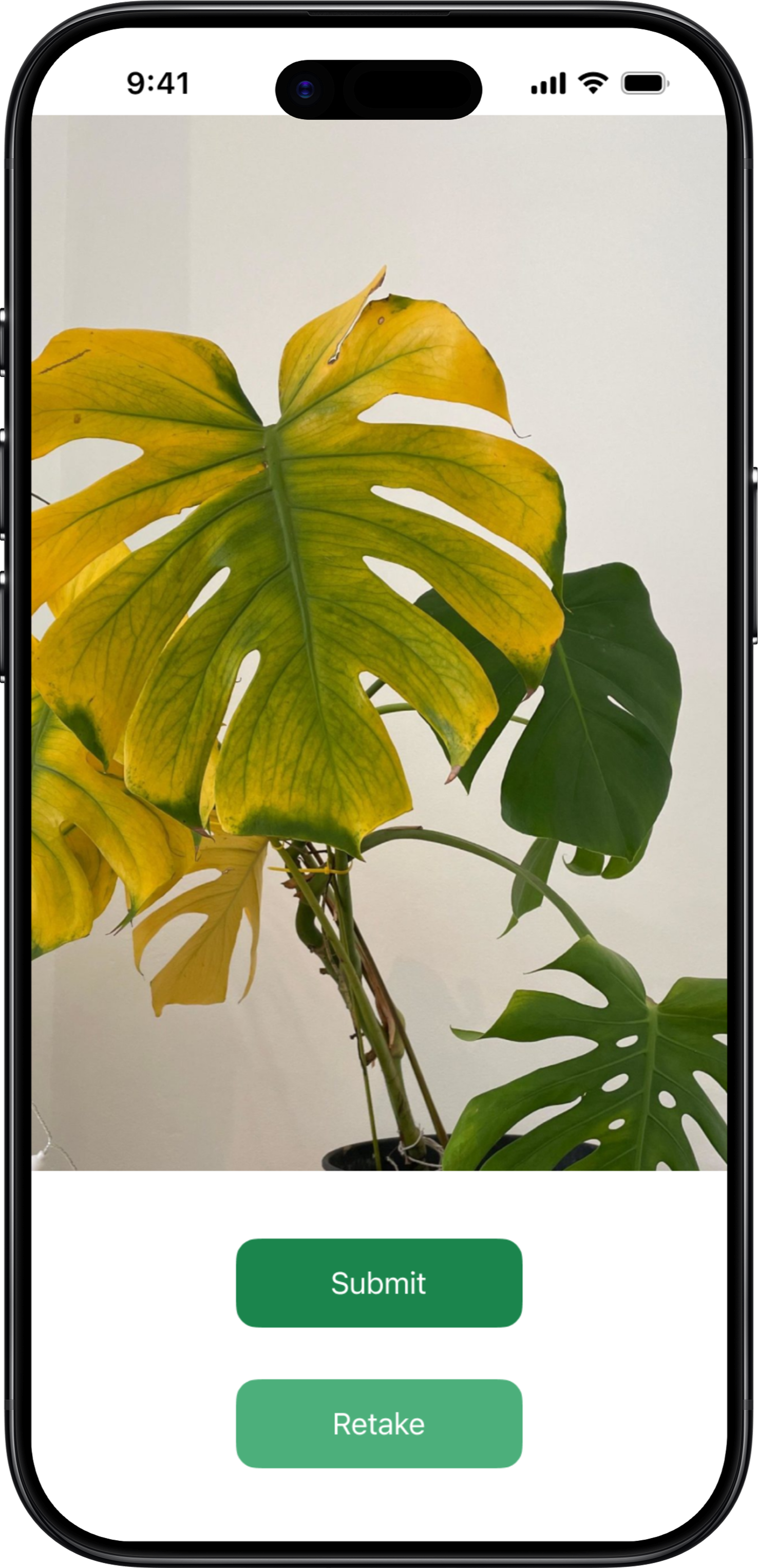
iOS • Submit
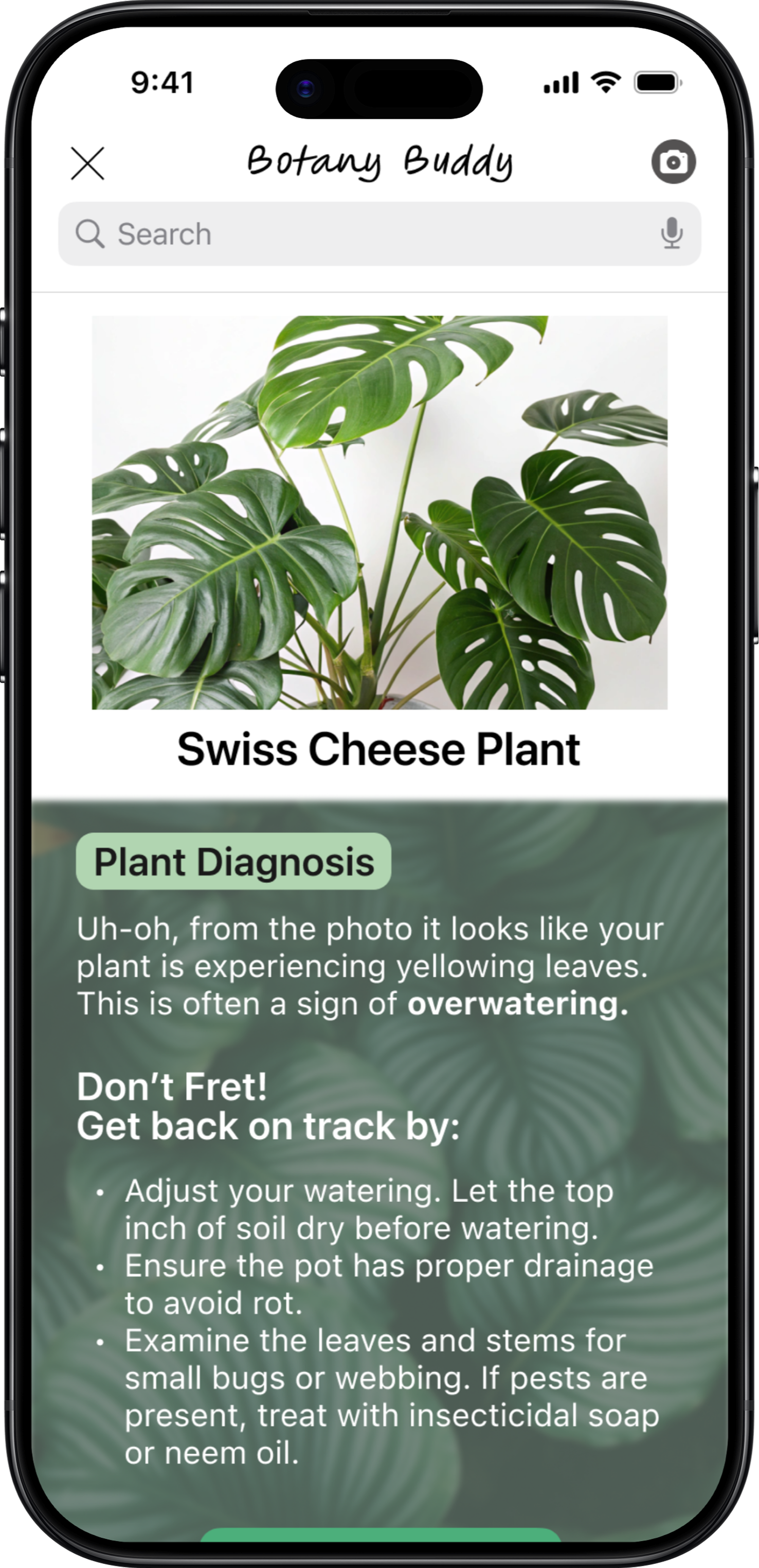
iOS • Diagnosis
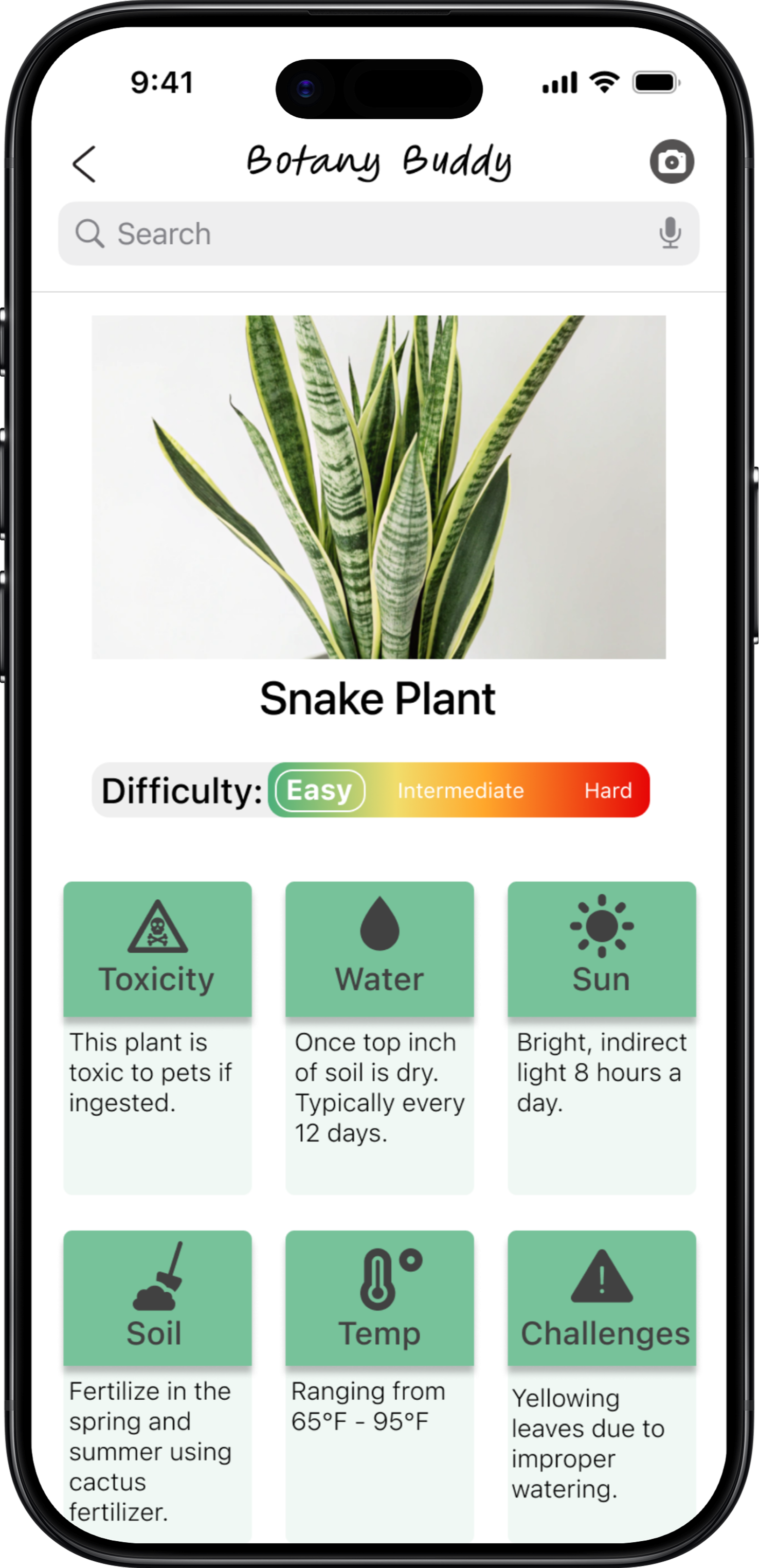
iOS • Description
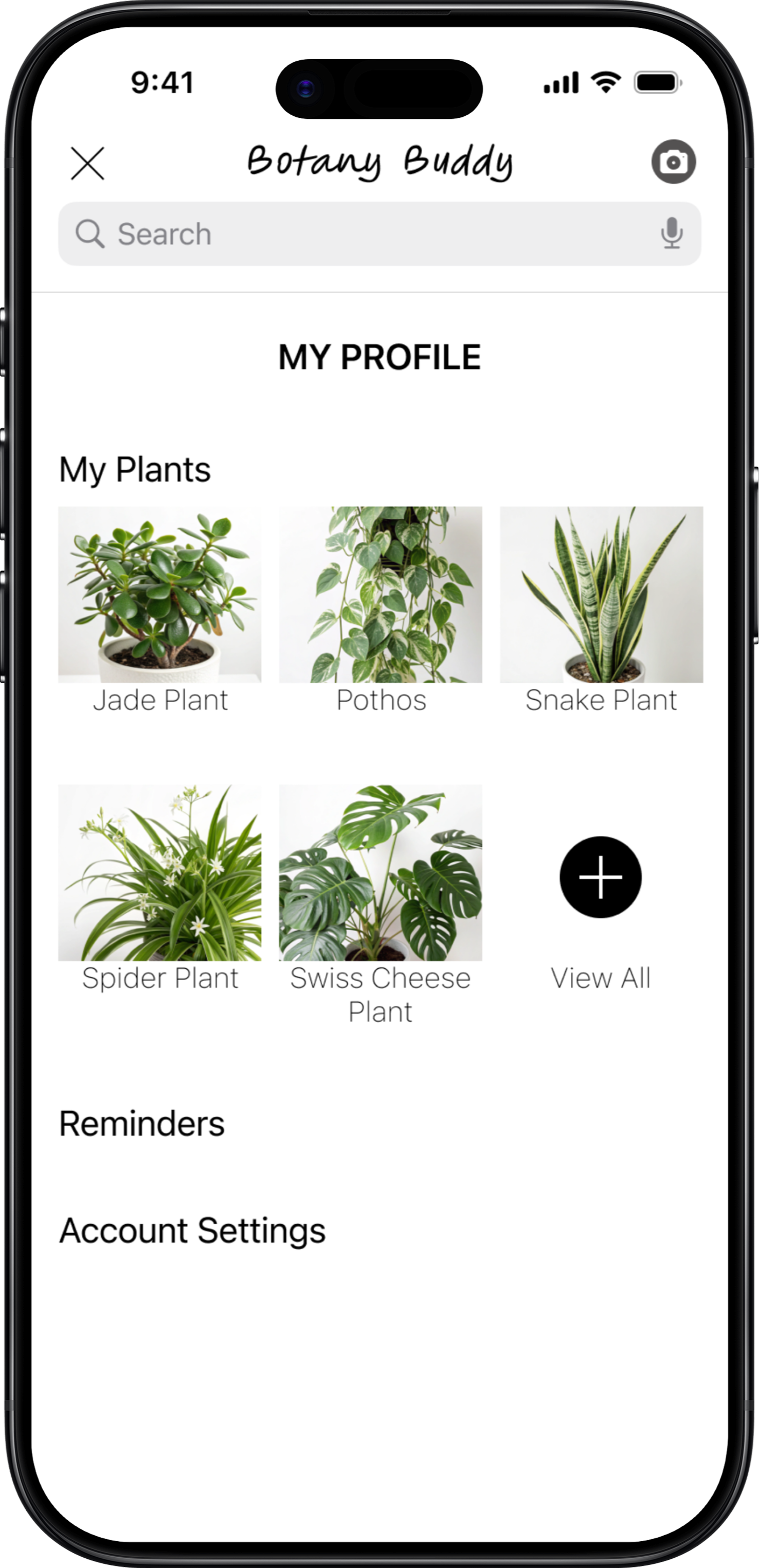
iOS • Profile
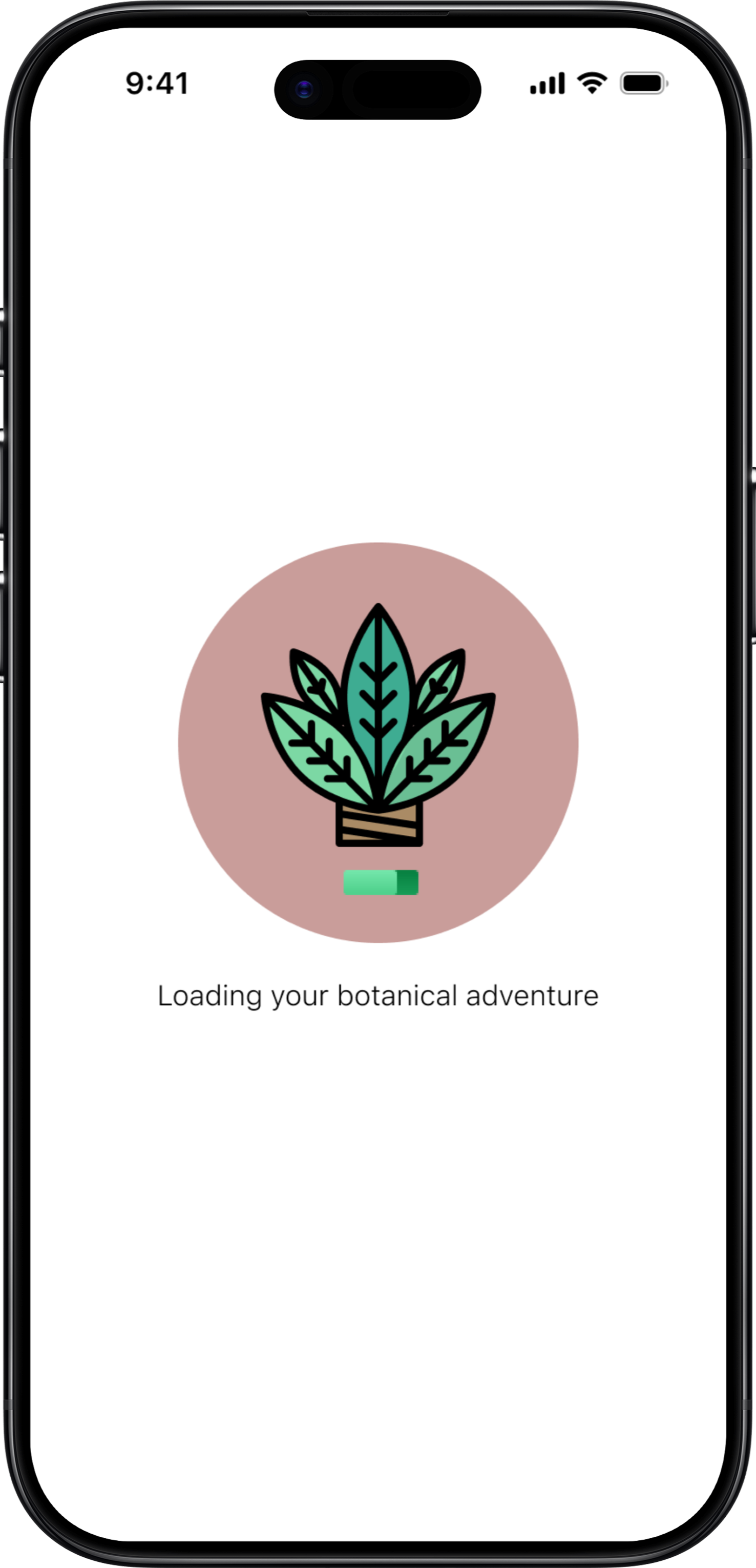
iOS • Loading
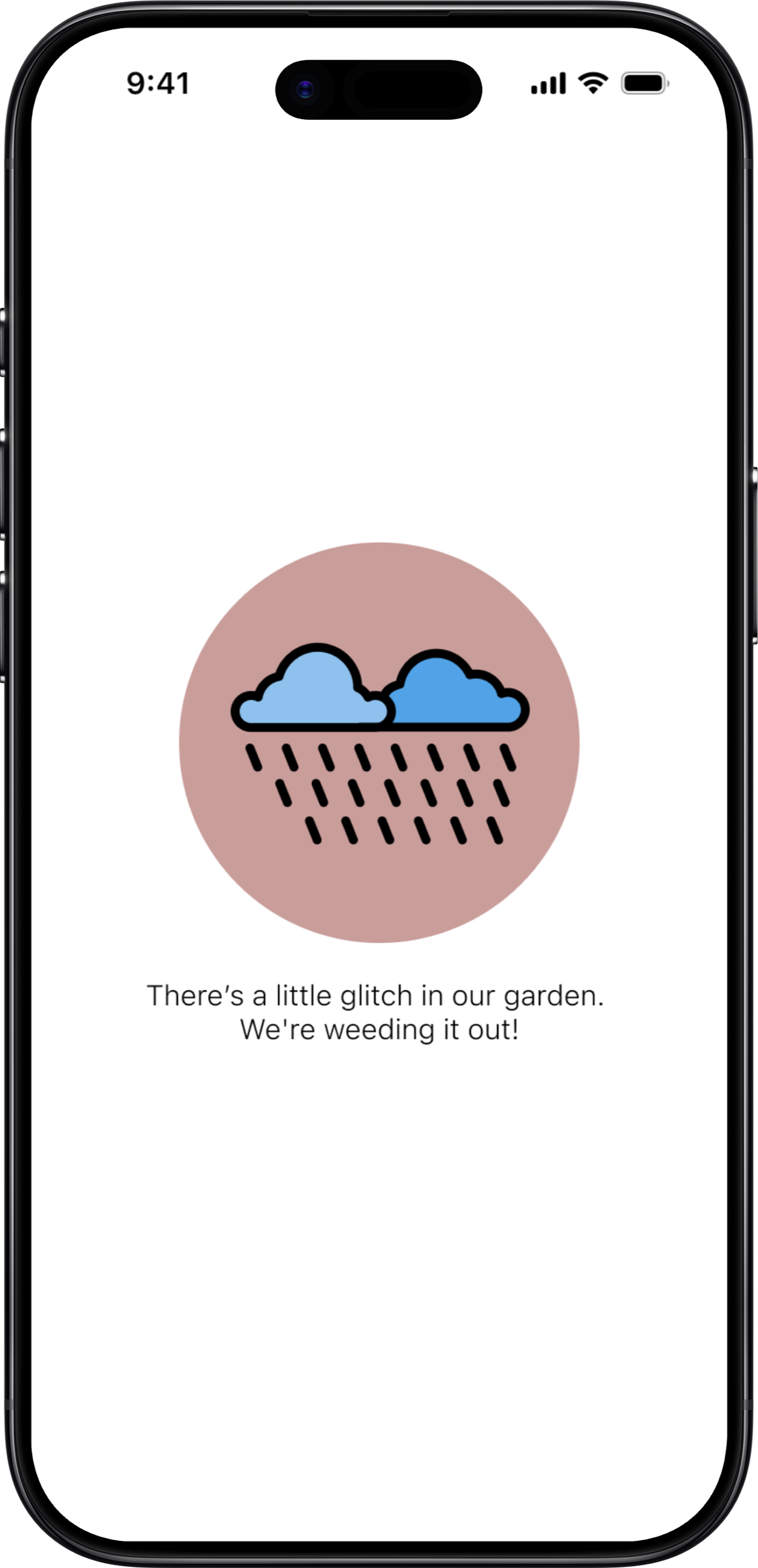
iOS • Error
Prototypes
Android Material Design
Scroll to view more →
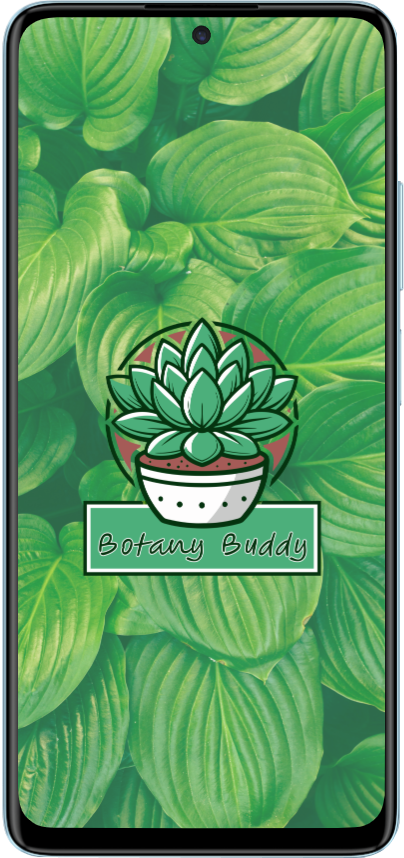
Android • Splash
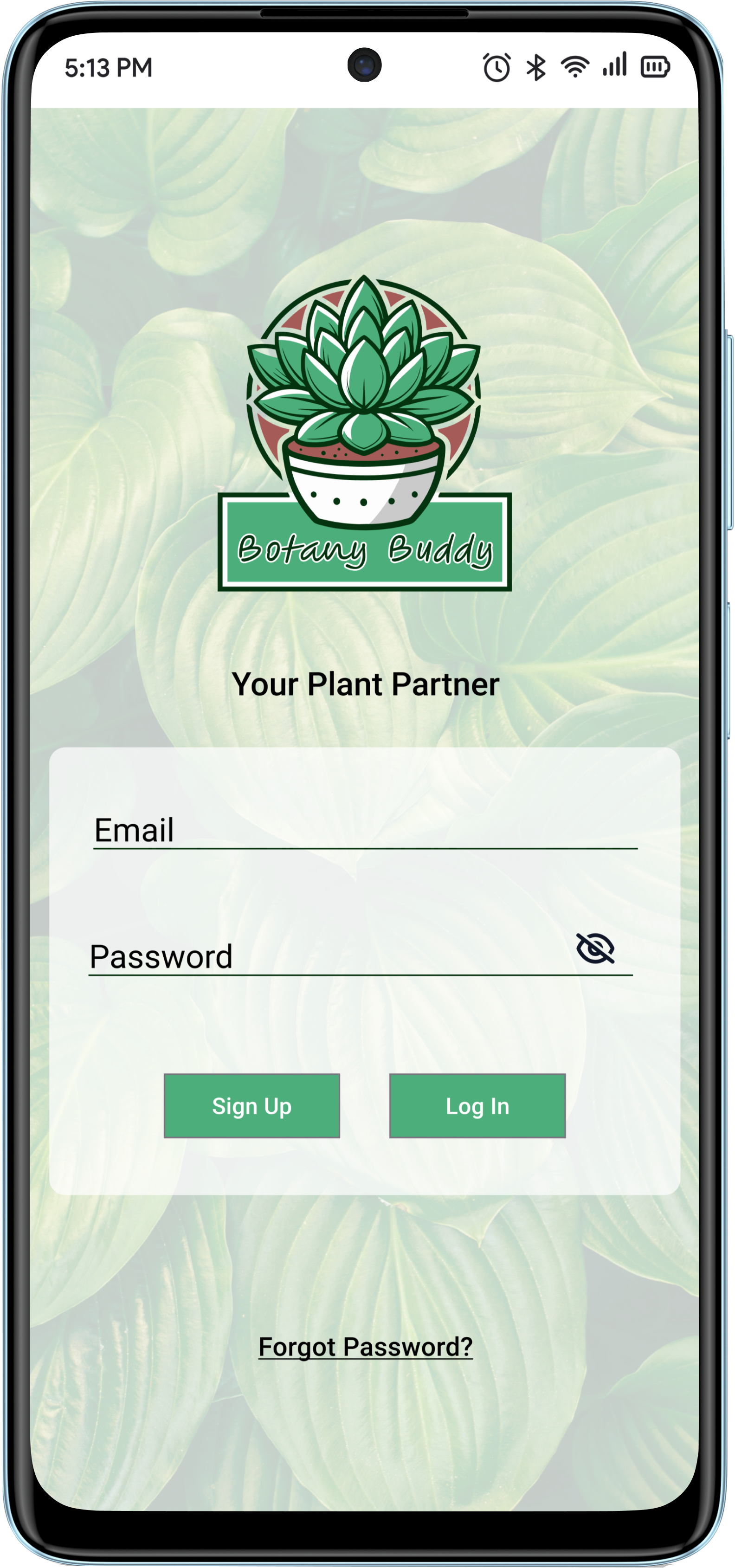
Android • Login
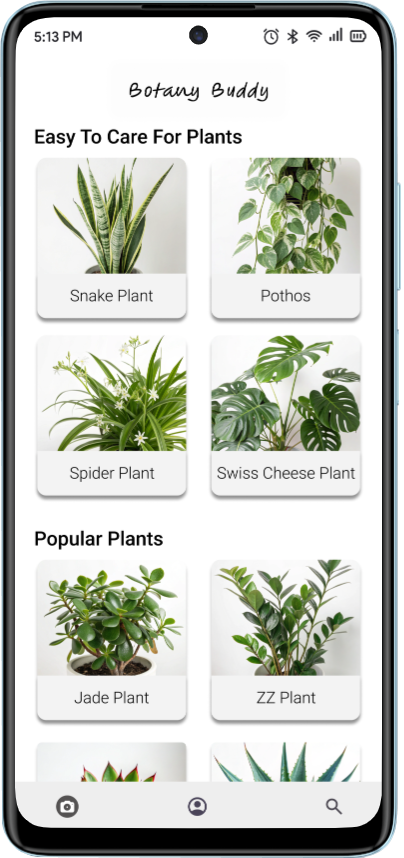
Android • Home
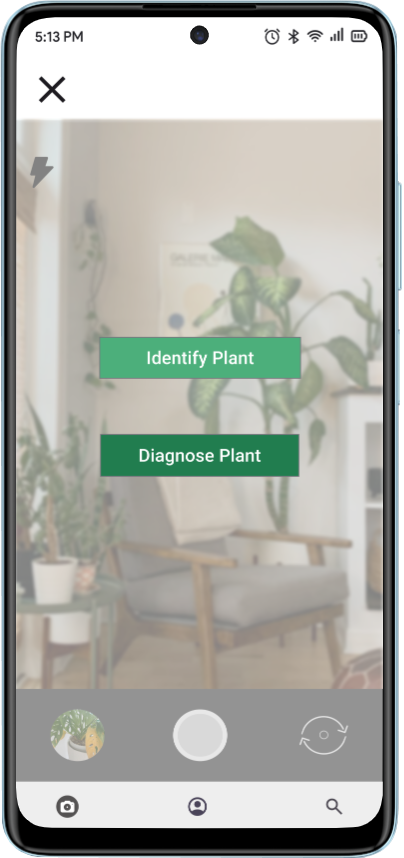
Android • Camera
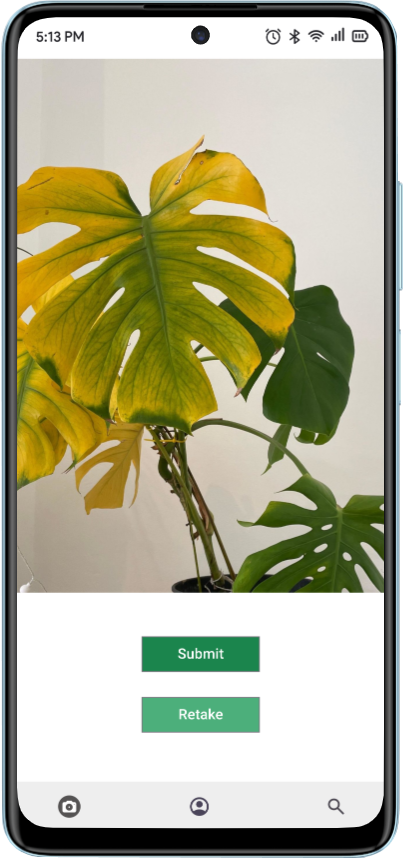
Android • Submit
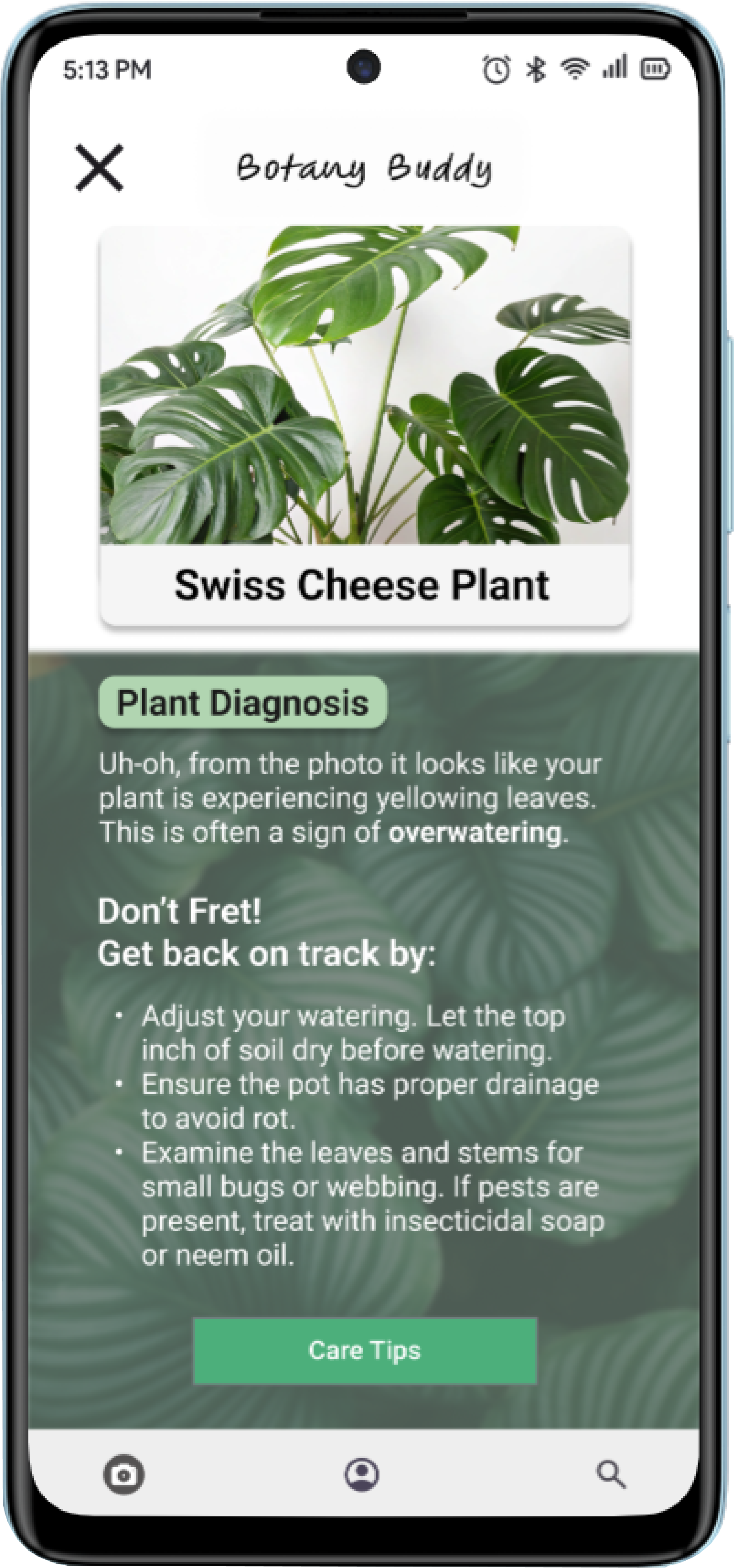
Android • Diagnosis
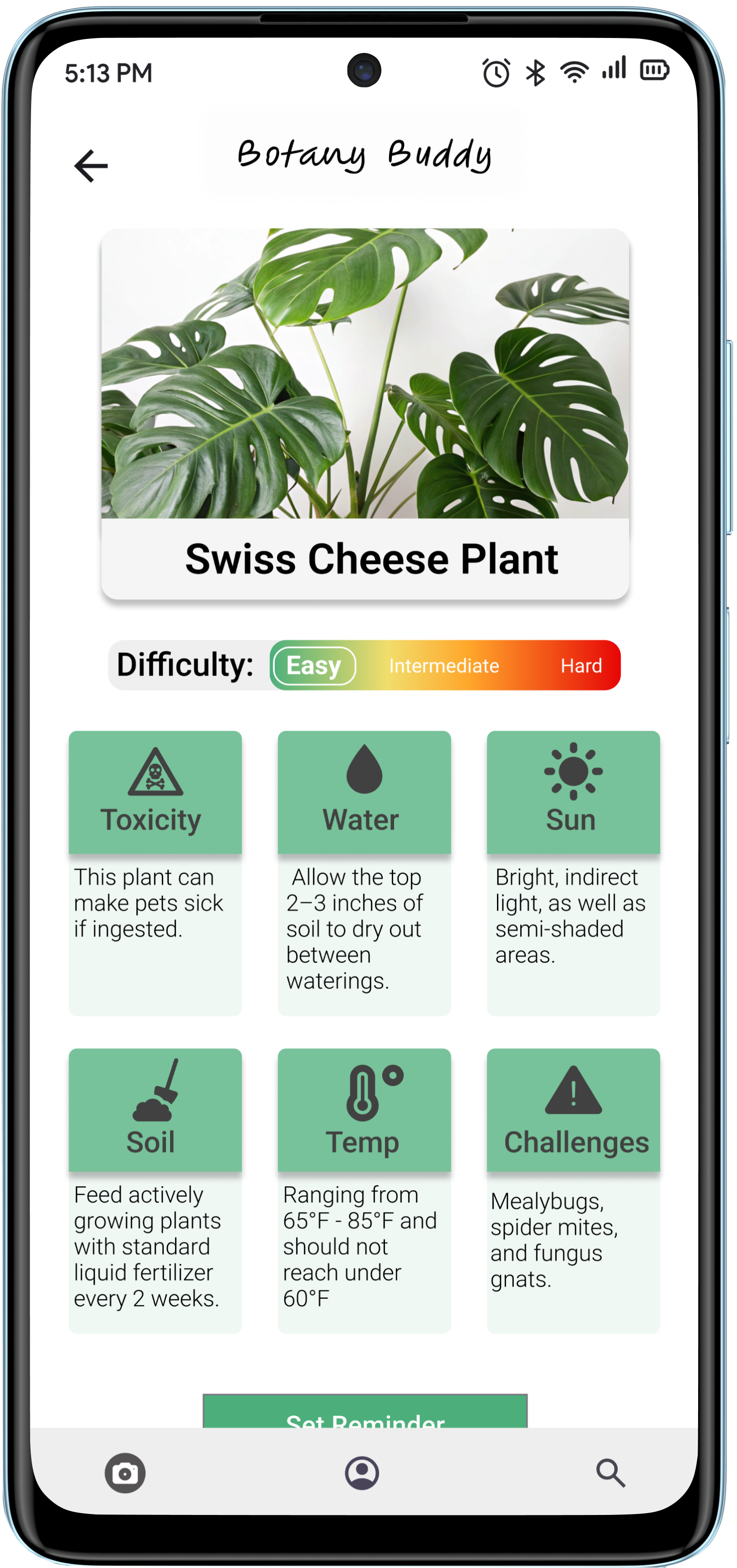
Android • Description
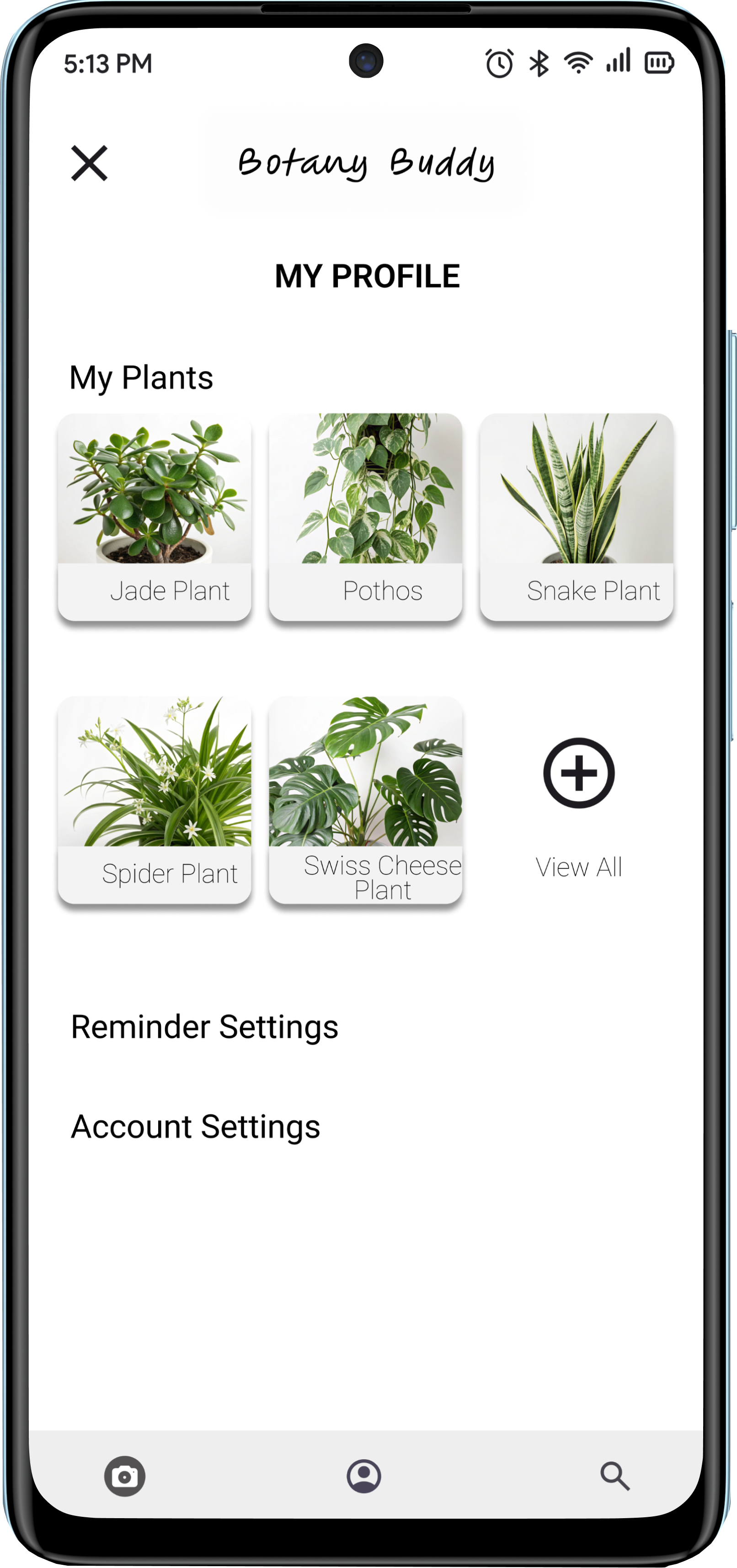
Android • Profile
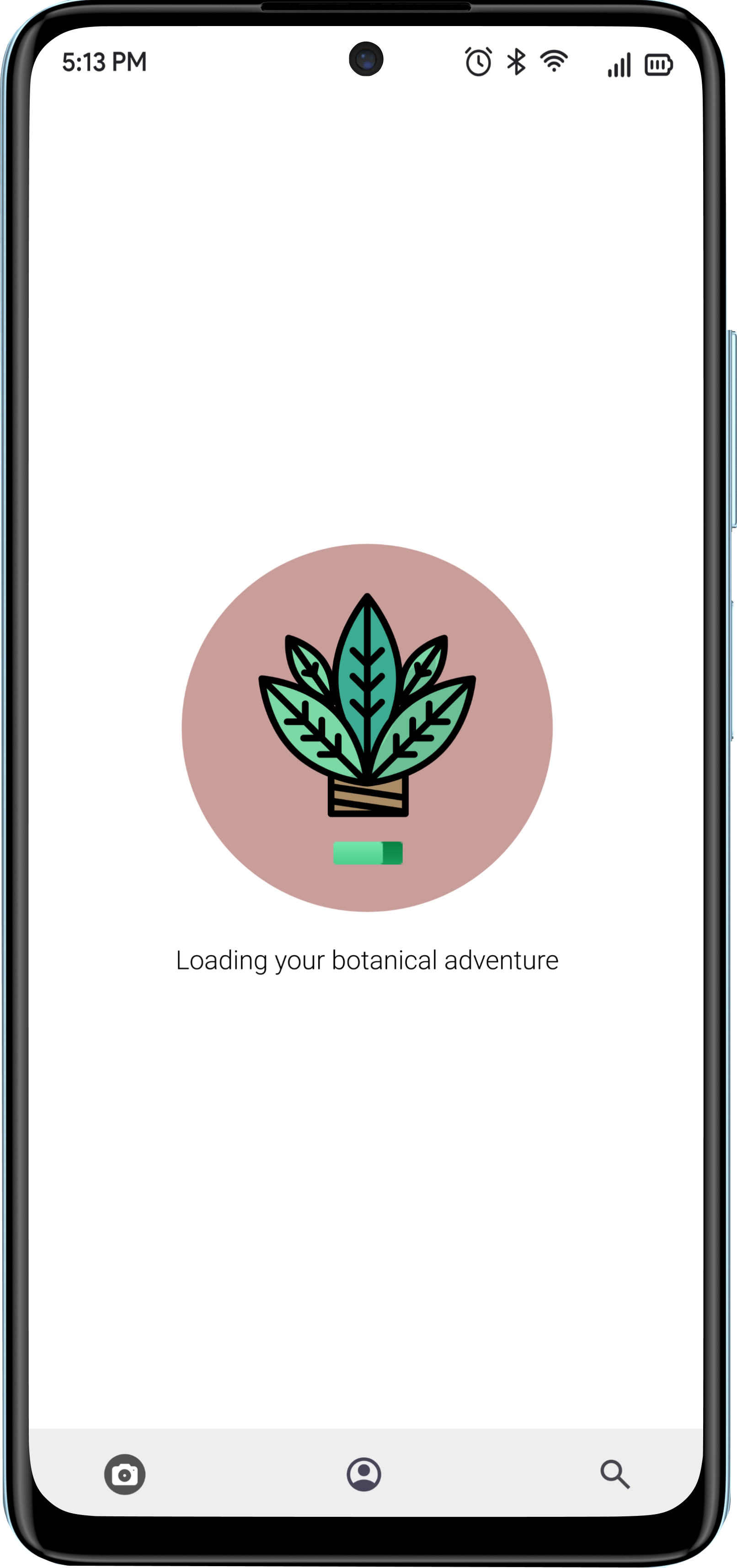
Android • Loading
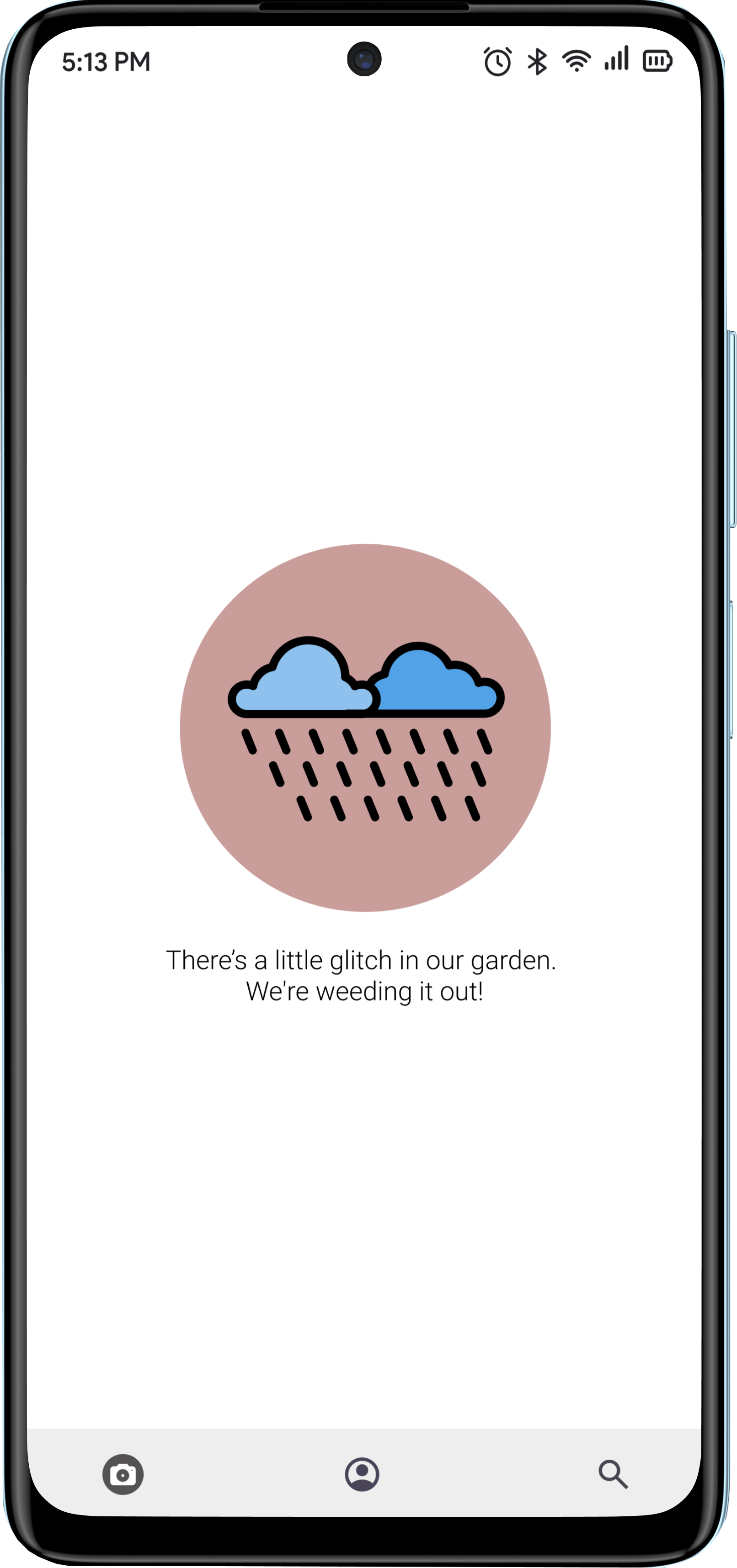
Android • Error
Structure
Low to Mid-Fidelity Wireframing
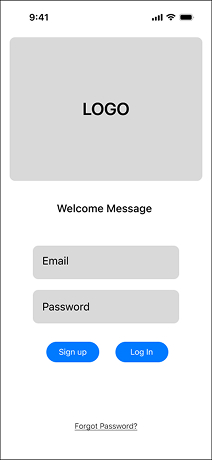
Login
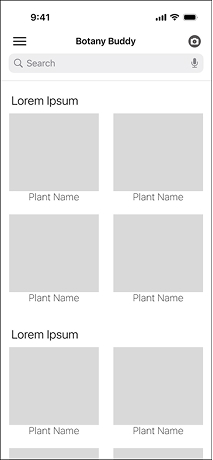
Home
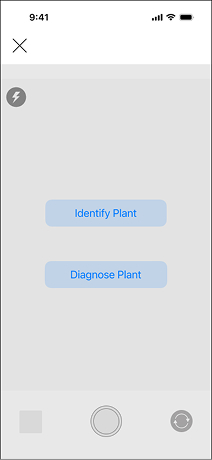
Diagnosis
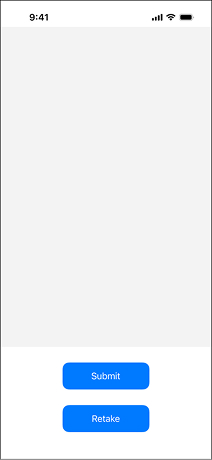
Camera
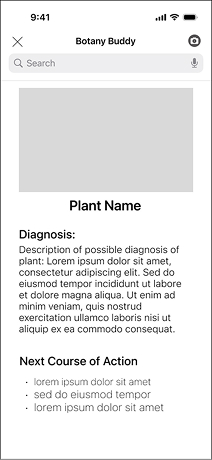
Results
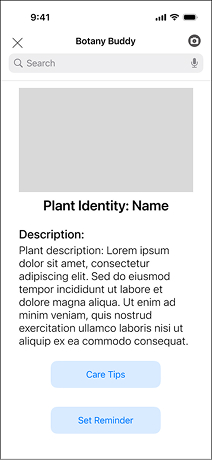
Identity Results
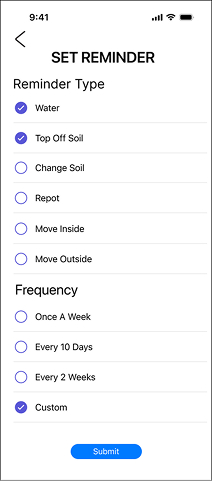
Reminder
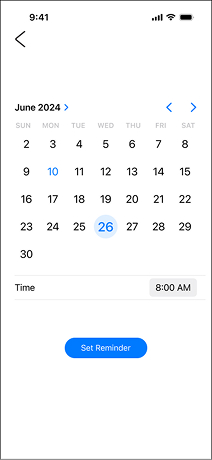
Calendar
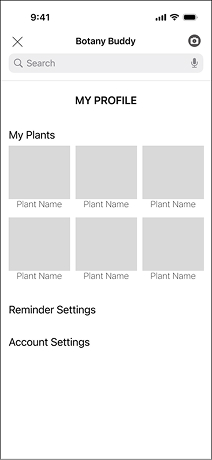
Profile
Visual Identity
Style Guide & System
Primary Palette
Logo Typography
Figma Hand Regular pt 30
Design Context
The native mobile app design ensures quick camera access for identification, supports offline use for outdoor settings, and utilizes push notifications for timely care reminders.
Conclusion
Developing Botany Buddy provided valuable insights into designing for a specific user need: plant care. This project highlighted the importance of combining practical tools, like care reminders and visual diagnosis, with user-friendly features such as plant identification. I learned how to create an intuitive experience that empowers users to confidently care for their plants, regardless of their experience level.
The app's impact lies in its potential to make plant care more accessible and enjoyable, fostering a deeper connection between users and their greenery. By addressing common pain points, Botany Buddy simplifies a traditionally complex task.